
How to Download YouTube Playlist Thumbnails (All at Once)
Learn how to download YouTube playlist thumbnails in bulk. Step-by-step guide to extract all thumbnails and download them as a ZIP file.
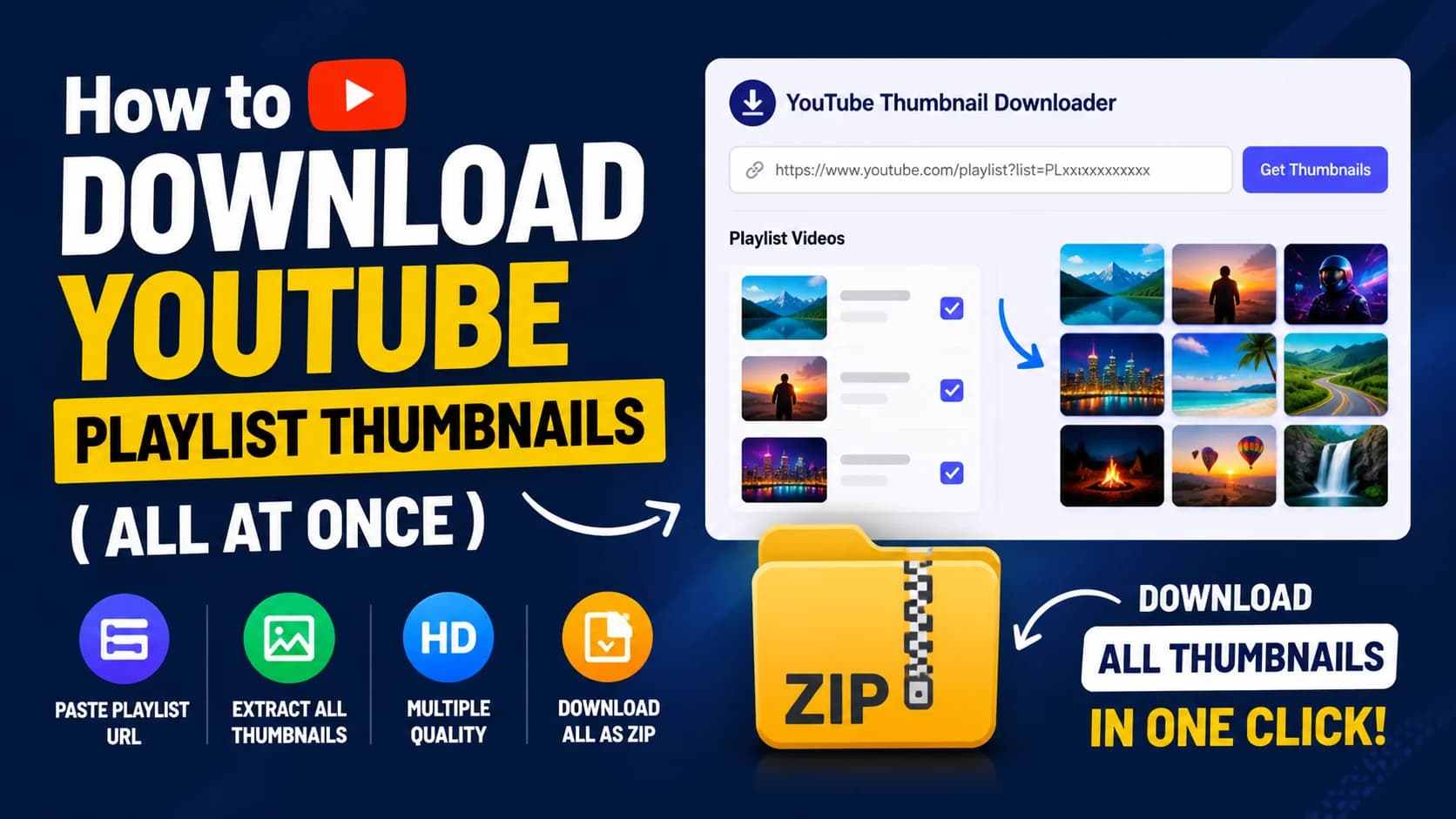
Downloading YouTube thumbnails one by one can be slow and frustrating, especially when you’re working with an entire playlist. Whether you're a content creator, designer, or marketer, collecting thumbnails manually takes time and effort.
In this guide, you’ll learn how to download YouTube playlist thumbnails in bulk, extract all thumbnails instantly, and download them in a single ZIP file using a simple tool.
Quick Answer: Can You Download All YouTube Thumbnails from a Playlist?
Yes, you can download all YouTube thumbnails from a playlist at once.
Using a playlist thumbnail downloader, you can extract thumbnails from every video in a playlist, preview them, and download them together in a single ZIP file.
Step-by-Step: Download YouTube Playlist Thumbnails
To download YouTube playlist thumbnails in bulk, use our free YouTube Playlist Thumbnail Downloader and follow these simple steps:
Go to YouTube Playlist Thumbnail Downloader
Step 1: Paste the Playlist URL
Copy the YouTube playlist link from your browser and paste it into the input field.
Step 2: Extract All Thumbnails
Click the “Get Thumbnails” button to extract thumbnails from every video in the playlist.
Step 3: Choose Quality & Download
Select your preferred resolution for each thumbnail, then click the “Download All” button to save all thumbnails together as a ZIP file.
Try it now: YouTube Playlist Thumbnail Downloader
Download All Thumbnails in One Click (ZIP Method)
One of the biggest advantages of using a bulk YouTube thumbnail downloader is the ability to download all thumbnails at once.
Instead of saving thumbnails manually one by one, you can:
- Extract thumbnails from the entire playlist instantly
- Choose quality for each thumbnail individually
- Download thumbnails one by one or all together
- Save everything in a single ZIP file
This workflow is much faster and more efficient, especially for large playlists with dozens of videos.
Features
- Extract thumbnails from full YouTube playlists
- Preview all thumbnails before downloading
- Choose different quality options, including Full HD
- Download thumbnails individually or in bulk
- One-click ZIP download for all images
- Works on desktop, tablet, and mobile devices
- No sign-up required
Why Download Playlist Thumbnails?
Downloading YouTube playlist thumbnails in bulk can be useful for many different workflows.
Content Research
Analyze how successful creators design thumbnails across an entire series or playlist.
Inspiration
Collect thumbnail ideas, styles, and layouts for your own videos.
Thumbnail Analysis
Study colors, fonts, text placement, and visual patterns used in high-performing thumbnails.
Bulk Asset Collection
Save thumbnails quickly for editing, presentations, or reference purposes.
Agency Workflows
Manage and organize large numbers of thumbnails efficiently for clients or teams.
FAQs
Can I download all thumbnails from a YouTube playlist?
Yes, you can extract and download thumbnails from every video in a playlist using YouTube playlist thumbnail downloader.
Is bulk thumbnail download free?
Yes, the tool is completely free and does not require any sign-up.
Can I choose thumbnail quality?
Yes, you can choose different quality options for each thumbnail, including Full HD and the highest available resolution.
Can I download thumbnails individually?
Yes, each thumbnail card includes its own download button, so you can save thumbnails one by one if needed.
Does it work on mobile devices?
Yes, the tool works on mobile phones, tablets, laptops, and desktop browsers.
How many thumbnails can I download at once?
You can download thumbnails from entire playlists, including large playlists with many videos.
Can I download thumbnails in HD?
Yes, you can download thumbnails in HD (1280×720) or the highest available quality provided for each video.
Do all videos provide HD thumbnails?
Most public videos provide HD thumbnails, but some videos may only offer lower resolutions depending on the original upload.